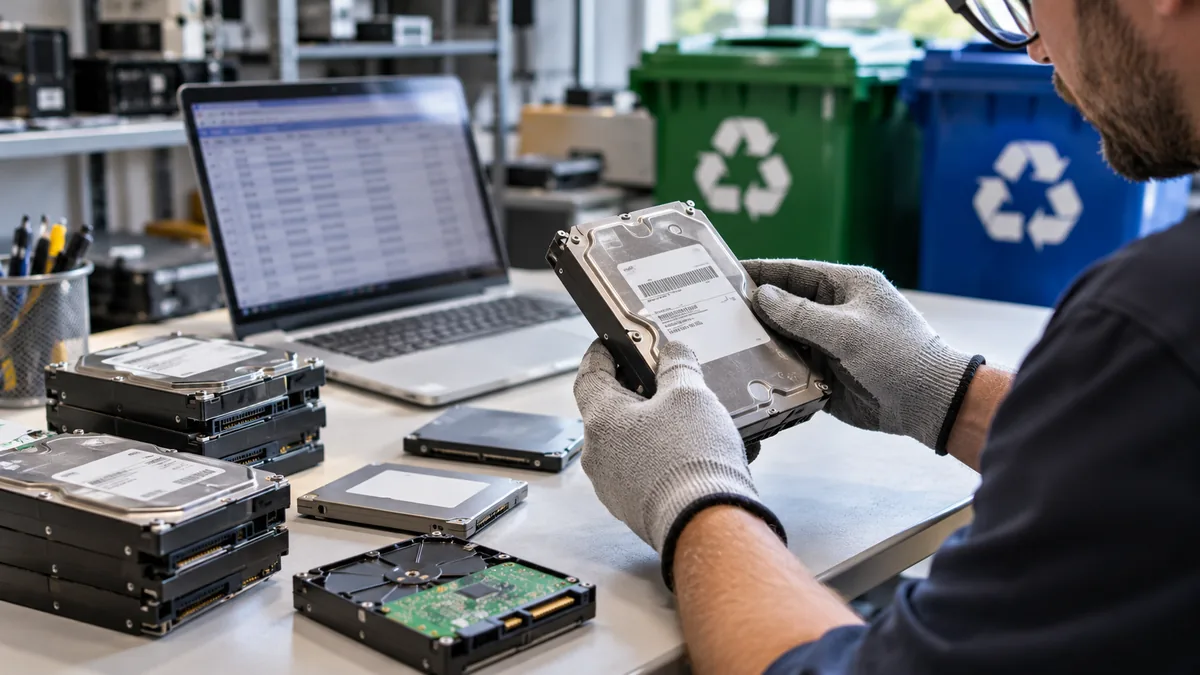
Old hard drives, solid-state drives, USB devices, and backup media should not be treated like ordinary office clutter. Even after a computer is replaced, its storage device may still hold customer information, employee documents, saved credentials, financial records, or internal files. A planned approach to secure data destruction and electronics recycling helps organizations protect information while responsibly handling retired equipment.
Storage devices are often removed from service long before their contents become non-sensitive. A laptop used by an accounting employee, for example, may contain locally saved reports, browser data, email attachments, and application files, even after the employee has moved to a new computer. Treating every retired device as potentially data-bearing until it has been assessed helps prevent accidental exposure.
Deleting files, emptying the recycle bin, or reinstalling an operating system is not, by itself, the same as sanitizing a device. The appropriate method depends on the storage technology, the sensitivity of the information, and whether the device will be reused, transferred, recycled, or destroyed.
Why Retired Drives Need a Plan
Putting a retired drive into a general recycling bin can create an avoidable gap in data protection. The device may leave the organization before anyone confirms what it contains, where it went, or whether its data was removed. This becomes especially important during office moves, computer upgrades, employee departures, and equipment refreshes.
A written plan also makes routine decisions easier for staff. Instead of asking whether an old drive can go into a donation box or be picked up for recycling, employees can follow established instructions for labeling, storage, approval, transfer, and final disposition. Consistency is particularly valuable when several departments handle equipment at different times.
For example, a small business replacing 15 office computers might collect the old machines in a storage room. Without an inventory and access controls, a drive could be misplaced, removed with scrap equipment, or mixed with devices intended for reuse. A defined retirement process prevents that uncertainty.
HDDs, SSDs, and Why the Difference Matters
Storage media does not all work the same way. Traditional hard disk drives, or HDDs, store data on magnetic platters and use moving read-and-write heads. Solid-state drives, or SSDs, store data in flash memory chips and contain no spinning platters. Hybrid drives may combine both technologies, while external drives, memory cards, USB devices, and backup units can use other removable storage media.
Devices can also contain more than one place to store information. A computer may have an internal drive, removable media, recovery partitions, or embedded flash storage. IT teams should account for each storage component rather than assuming that removing one obvious drive completes the retirement process.
That difference matters because a method suitable for one device may be unsuitable or incomplete for another. Before choosing a disposition method, identify the drive type, manufacturer, model, condition, and destination. A damaged drive also warrants extra caution because standard software-based processes may not run reliably.
How to Choose a Sanitization Method
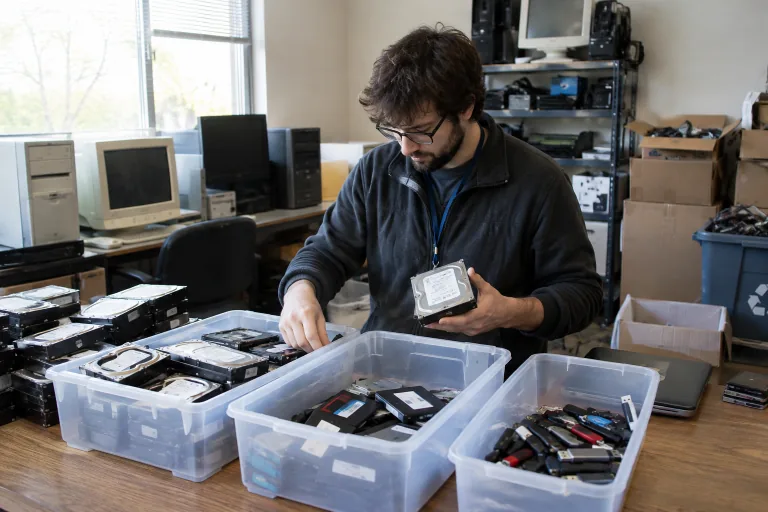
The main decision is whether a device should be reused, recycled, or physically destroyed. Organizations can use the principles in media sanitization guidance to match their approach to the sensitivity of the data and the type of media involved. The objective is to make access to the target data infeasible for the required level of protection.
Decision-makers should consider the device’s full lifecycle, not just the immediate task of removing data. A drive that remains within the organization may present a different risk profile than one sent to a third party, returned under a lease, donated, or broken down for materials recovery.
- Reuse: Appropriate when a working device can be sanitized with a method suited to its technology and then retained or transferred under controlled conditions.
- Clear or purge: Appropriate when approved software-based or device-supported processes can be applied and verified for that particular media type.
- Physical destruction: Appropriate when the drive is damaged, highly sensitive, or cannot be safely released from organizational control.
- Professional processing: Appropriate when staff lacks the tools, volume capacity, technical knowledge, or documentation procedures needed for the work.
A Step-by-Step Drive Retirement Workflow
A repeatable workflow reduces the chance that an important step will be skipped when equipment is retired in large batches or under time pressure. It also gives managers a practical way to assign responsibilities between IT, security, facilities, and an outside service provider.
- Identify the device. Record its asset tag or serial number, manufacturer, model, drive type, and capacity.
- Classify the data. Determine whether it held public, internal, confidential, regulated, or highly sensitive information.
- Choose the destination. Decide whether the device will be reused, returned to a provider, recycled, or destroyed.
- Restrict access. Keep retired media in a locked location until processing is complete.
- Apply the selected method. Use procedures and equipment intended for the specific media involved.
- Verify completion. Confirm that the selected process was performed as required and document any exceptions.
- Keep the records. Retain logs, transfer details, completion dates, and relevant receipts or certificates.
When Physical Destruction Makes Sense
Physical destruction is not automatically the best answer for every retired drive. A functioning device can retain its value when properly sanitized and reused. However, destruction may be the better choice when a drive contains highly sensitive or regulated information, is damaged, is leaving direct organizational control, or cannot be reliably sanitized by another method.
Before authorizing destruction, organizations should still identify the device and record its disposition. Even a drive that cannot be powered on should remain traceable from the time it is removed from service until the destruction process has been completed and documented.
Policies, customer contracts, and industry requirements may also require destruction. The decision should be risk-based rather than automatic. Destroying every device can increase cost and electronic waste, while reusing every device without a verified process can create unnecessary exposure.
Chain of Custody and Recordkeeping
Data protection does not end when a drive enters a processing machine. A clear chain of custody shows what happened to each item and who handled it along the way. Use serial numbers or asset tags, record releases and transfers, and secure devices in locked containers during internal or external movement.
For larger collections, records can connect each individual device to a batch number, pickup event, or processing location. That added detail can help resolve questions later, such as whether a specific asset was included in a completed recycling shipment or held back because it required a different method.
Records should note the date, location, selected method, responsible staff member, and final disposition. For organizations handling sensitive media, the handling questions addressed in NSA media destruction FAQs also reinforce the importance of matching equipment and procedures to the media and security context.
The Environmental Side of Drive Disposal
Secure retirement and responsible recycling should work together. Drives contain circuit boards, metals, magnets, plastics, and other materials that belong in appropriate electronics recycling streams rather than ordinary trash. Data protection should be completed before materials move into downstream recycling.
Separating the data-handling decision from the recycling decision can improve both outcomes. First, determine how the information will be protected; then ensure the remaining hardware is directed to a responsible downstream process rather than discarded with general waste.
When evaluating a recycling partner, ask how devices are tracked, how processed materials are handled, and what documentation is available. Reuse can also be an environmentally sound option when the hardware remains useful and sanitization has been properly completed.
Common Drive Disposal Mistakes
- Relying only on file deletion: Removing a file from view is not the same as a verified sanitization process.
- Using the wrong method for an SSD: Methods designed around magnetic media may not address flash-based storage correctly.
- Skipping inventory records: Unidentified drives are difficult to track, verify, and account for later.
- Leaving media unsecured: Poor handling before processing can undermine an otherwise strong disposal plan.
- Assuming a certificate proves everything: Documentation should correspond to the actual devices, dates, and methods used.
- Destroying reusable equipment by default: A verified reuse program can reduce waste and replacement costs.
- Forgetting removable media: USB devices, memory cards, external drives, and backup media should be included in the same retirement controls.
- Failing to address exceptions: A device that cannot be identified or processed normally should be documented and handled under an approved escalation process.
Common Questions About Retired Storage Drives
Is deleting a file enough before recycling a drive?
Usually, ordinary file deletion alone is not enough for sensitive information. The correct approach depends on the device type, its condition, and the level of protection the data requires.
Should every old drive be physically destroyed?
No. Properly selected and verified sanitization can support safe reuse. Destruction is often more appropriate for damaged drives, highly sensitive data, or situations where policy requires it.
Does the same process work for HDDs and SSDs?
No. HDDs and SSDs use different storage technologies, so the process should be selected for the specific media, including hybrid devices and removable flash storage.
What records should an organization keep?
Keep device identifiers, handling and transfer logs, method details, dates, responsible personnel, and completion documents. These records make the process easier to audit and improve.
Final Takeaway
Retiring a storage drive is a process, not a single action. Identify the media, assess the data, choose a suitable method, control access, verify completion, and maintain clear records. That practical approach can protect information, avoid needless destruction, and support responsible electronics recycling throughout 2026.
